
MERN Stack vs MEAN Stack: Which Is Better for Beginners?
Choosing the right technology stack is an important step when starting a career in web development. Two popular options are MERN Stack and MEAN Stack, which help developers build interactive, dynamic, and full-stack web applications. Both stacks use MongoDB, Express.js, and Node.js. The main difference is the front-end technology: MERN uses React, while MEAN uses Angular. If you are a college student, fresher, or aspiring full stack developer, understanding these differences can help you choose the right learning path. In this guide, we will compare MERN Stack vs MEAN Stack, explore their technologies, learning difficulty, advantages, project applications, and career opportunities.
What Is the MERN Stack?
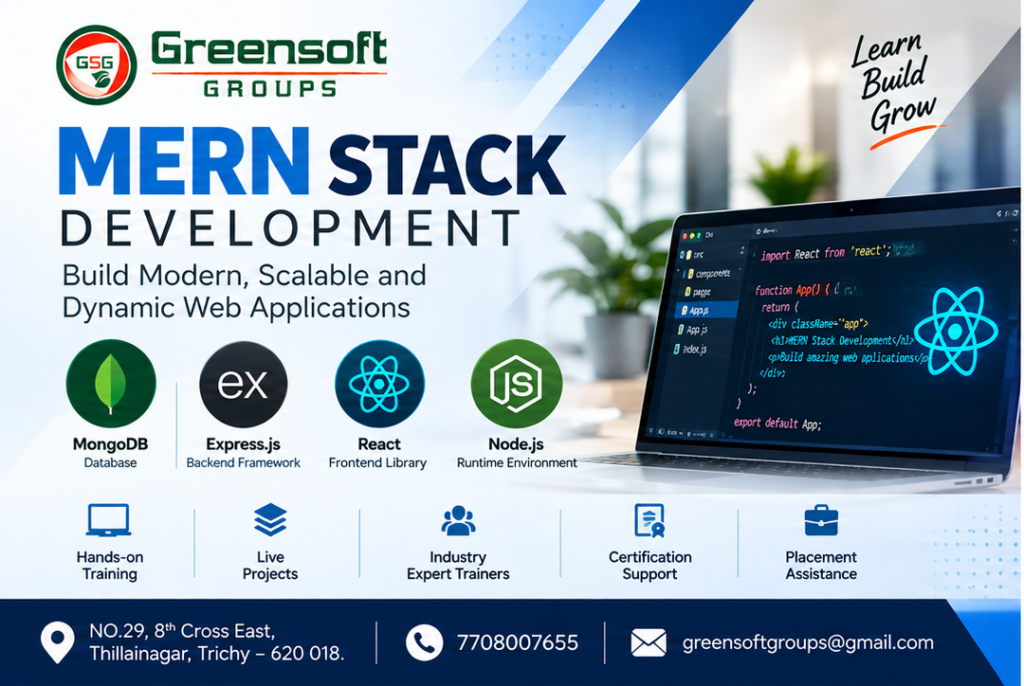
MERN Stack is a collection of technologies used to build full-stack web applications. It combines MongoDB, Express.js, React, and Node.js to develop the front end, back end, and database layers of an application.
The Four Technologies in MERN Stack- MongoDB —MongoDB is a NoSQL database that stores information in flexible, document-based structures. It is commonly used for user profiles, product catalogues, application data, and other web application requirement.
- Express.js — Express.js is a web framework for Node.js that helps developers create APIs, manage HTTP requests, handle routes, and implement server-side application logic.r.
- React — React is a JavaScript library for building user interfaces using reusable components. It helps developers create interactive dashboards, forms, shopping websites, and single-page applications.
- Node.js — Node.js is a JavaScript runtime that allows developers to execute JavaScript outside the browser. It is commonly used to build server-side applications and APIs.
How Does MERN Stack Work?
A typical MERN application follows this workflow:
- The user interacts with the React front end.
- React sends a request to the Express.js API.
- Node.js executes the server-side application logic.
- The server reads or updates information in MongoDB.
- The response is returned to the front end and displayed to the user.
This architecture allows developers to build complete web applications using JavaScript across much of the application stack.
What Is the MEAN Stack?
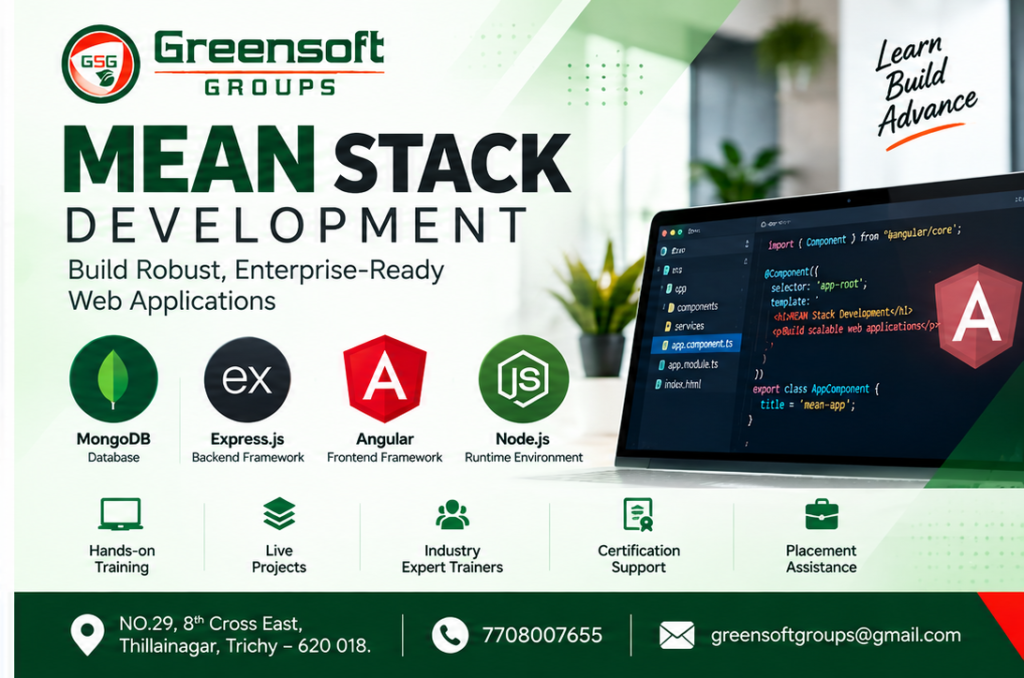
MEAN Stack is another popular technology stack for full-stack web development. It uses MongoDB, Express.js, Angular, and Node.js.
The main difference between MERN and MEAN is that MEAN uses Angular instead of React for front-end development.
The Four Technologies in MEAN Stack
- MongoDB — MongoDB stores application data in a flexible document format and supports data management for web applications.
- Express.js — Express.js handles API routes, HTTP requests, middleware, and server-side application logic.
- Angular — Angular is a comprehensive front-end framework maintained by Google. It provides features such as routing, dependency injection, forms, and other tools for developing structured web applications.
- Node.js — Node.js runs JavaScript on the server and supports the back-end services required by the application.
How Does MEAN Stack Work?
A typical MEAN application follows a similar process:
- The user interacts with the Angular interface.
- Angular sends HTTP requests to the Express.js API.
- Node.js executes the required server-side logic.
- MongoDB stores or retrieves the application data.
- The response is returned to Angular, which updates the user interface.
MEAN Stack is suitable for applications that benefit from Angular’s structured development approach and integrated framework features.
MERN Stack vs MEAN Stack: Key Differences
Although both stacks share three technologies, their front-end approaches differ
| Feature | MERN Stack | MEAN Stack |
|---|---|---|
| Full form | MongoDB, Express, React, Node.js | MongoDB, Express, Angular, Node.js |
| Front-end technology | React | Angular |
| Front-end type | JavaScript UI library | Comprehensive web framework |
| Main languages | JavaScript and optionally TypeScript | TypeScript and JavaScript |
| Learning approach | Flexible and component-focused | Structured and framework-driven |
| Built-in features | More choices of supporting libraries and tools | Many common features provided by the framework |
| UI development | Reusable React components | Angular components and templates |
React vs Angular: The Main Difference
React and Angular are the most important technologies to compare when choosing between MERN and MEAN.
React: Flexible and Component-BasedReact focuses on building user interfaces with reusable components. Developers can choose additional tools for routing, state management, and other application requirements. Advantages of React include:
- Reusable components that simplify interface development. • Flexible project architecture. • A large ecosystem of libraries and learning resources. • Support for interactive and dynamic user experiences. • A useful foundation for exploring related technologies such as Next.js and React Native. React can be a good starting point for beginners who want to understand component-based UI development before learning additional tools.
pip install langchain langchain-community langchain-openai faiss-cpu tiktoken pypdfYou'll also need an API key from an LLM provider (OpenAI, Anthropic, etc.), stored as an environment variable:
export OPENAI_API_KEY="your-api-key-here"Step-by-Step: Building a RAG Pipeline in Python
Step 1: Load Your Documents
from langchain_community.document_loaders import PyPDFLoader
loader = PyPDFLoader("company_handbook.pdf")
documents = loader.load()
LangChain supports loaders for PDFs, Word docs, CSVs, websites, Notion, and more — swap PyPDFLoader for the loader that matches your source.
Step 2: Split Documents into Chunks
LLMs and embedding models work best on small, focused chunks rather than entire documents.
from langchain.text_splitter import RecursiveCharacterTextSplitter
splitter = RecursiveCharacterTextSplitter(
    chunk_size=1000,
    chunk_overlap=200
)
chunks = splitter.split_documents(documents)
chunk_overlap preserves context across chunk boundaries so no information gets cut off mid-sentence.
Step 3: Generate Embeddings
Embeddings turn text into vectors that capture semantic meaning.
from langchain_openai import OpenAIEmbeddings

embeddings = OpenAIEmbeddings(model="text-embedding-3-small")
Step 4: Store Vectors in a Vector Database
FAISS is a fast, free, local option good for prototyping. For production, consider Chroma, Pinecone, or Qdrant.
from langchain_community.vectorstores import FAISS

vector_store = FAISS.from_documents(chunks, embeddings)
vector_store.save_local("faiss_index")
Step 5: Retrieve Relevant Chunks
retriever = vector_store.as_retriever(search_kwargs={"k": 4})
relevant_docs = retriever.invoke("What is the company's remote work policy?")
This returns the four most semantically similar chunks to the query.
Step 6: Generate the Final Answer
from langchain_openai import ChatOpenAI
from langchain.chains import RetrievalQA

llm = ChatOpenAI(model="gpt-4o-mini", temperature=0)

qa_chain = RetrievalQA.from_chain_type(
    llm=llm,
    retriever=retriever,
    return_source_documents=True
)

response = qa_chain.invoke({"query": "What is the company's remote work policy?"})
print(response["result"])
Full Minimal RAG Pipeline
from langchain_community.document_loaders import PyPDFLoader
from langchain.text_splitter import RecursiveCharacterTextSplitter
from langchain_openai import OpenAIEmbeddings, ChatOpenAI
from langchain_community.vectorstores import FAISS
from langchain.chains import RetrievalQA

# 1. Load
documents = PyPDFLoader("company_handbook.pdf").load()

# 2. Split
chunks = RecursiveCharacterTextSplitter(
    chunk_size=1000, chunk_overlap=200
).split_documents(documents)

# 3. Embed + Store
vector_store = FAISS.from_documents(chunks, OpenAIEmbeddings())

# 4. Retrieve + Generate
qa_chain = RetrievalQA.from_chain_type(
    llm=ChatOpenAI(model="gpt-4o-mini", temperature=0),
    retriever=vector_store.as_retriever(search_kwargs={"k": 4})
)

answer = qa_chain.invoke({"query": "What is the company's remote work policy?"})
print(answer["result"])
Popular RAG Frameworks in Python
| Framework | Best For |
|---|---|
| LangChain | General-purpose RAG pipelines, largest ecosystem |
| LlamaIndex | Document-heavy use cases, advanced indexing strategies |
| Haystack | Production search + RAG pipelines with strong evaluation tools |
| Custom (no framework) | Full control, minimal dependencies, simpler debugging |
RAG vs. Fine-Tuning
RAG and fine-tuning solve different problems. RAG adds fresh, external knowledge at query time without touching the model itself, while fine-tuning changes the model's internal weights through additional training.
Best Practices for Production RAG
- Tune chunk size — too small loses context, too large dilutes relevance. 500–1000 characters is a common starting point.
- Use metadata filtering — tag chunks with source, date, or category to narrow retrieval.
- Evaluate retrieval quality separately from generation quality — a wrong answer is often a retrieval problem, not a model problem.
- Add a re-ranker — a lightweight model that re-scores retrieved chunks improves relevance beyond raw vector similarity.
- Cache embeddings — avoid re-embedding unchanged documents on every run.
- Monitor for hallucination — even with RAG, instruct the LLM to answer only from provided context and say "I don't know" when it isn't there.
Frequently Asked Questions
What is the difference between RAG and fine-tuning?
Fine-tuning changes a model's internal weights using training data, which is expensive and static. RAG keeps the model unchanged and instead supplies fresh, relevant information at query time, making it cheaper to update and easier to keep current.
Do I need a GPU to build a RAG system in Python?
No. If you use API-based embeddings and LLMs (OpenAI, Anthropic), all the heavy computation happens on the provider's servers. A GPU is only needed if you're running open-source embedding or generation models locally.
Which vector database should I use for RAG?
FAISS is a good starting point for local prototyping since it's free and requires no server. For production apps with multiple users, managed options like Pinecone, Qdrant, or Weaviate offer better scalability and persistence.
Can RAG work with data other than PDFs?
Yes. RAG works with any text source — websites, Word documents, CSVs, databases, Notion pages, Slack messages, and more — as long as it can be loaded and converted into text chunks.
Conclusion
RAG is one of the most practical ways to make LLMs useful for real-world, domain-specific applications without the cost of fine-tuning. With Python and libraries like LangChain, FAISS, and OpenAI's embedding models, a working RAG pipeline can be built in under 50 lines of code — and scaled into a production system from there.
Need AI integration for your business systems?
Greensoft Groups builds Python, Laravel and AI-enabled business applications for startups and growing companies.
 Follow us on LinkedIn